Our Location
304 North Cardinal St.
Dorchester Center, MA 02124

304 North Cardinal St.
Dorchester Center, MA 02124

Once you order hosting service, you can start creating your own website. Using Softaculous automatic app installer you can install WordPress in a few clicks.
Below you can find step-by-step guidelines covering the process:
1. Log into your cPanel.
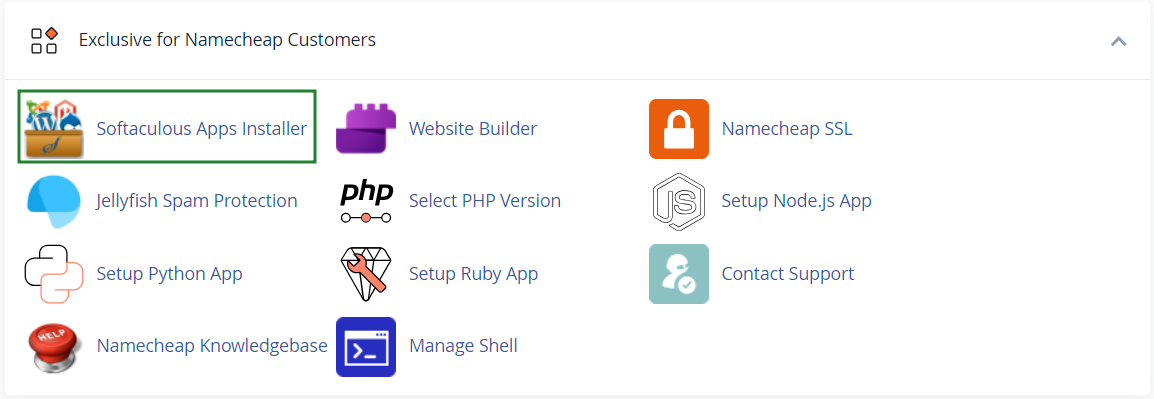
2. Navigate to Exclusive for Namecheap customers section > Softaculous Apps Installer menu:
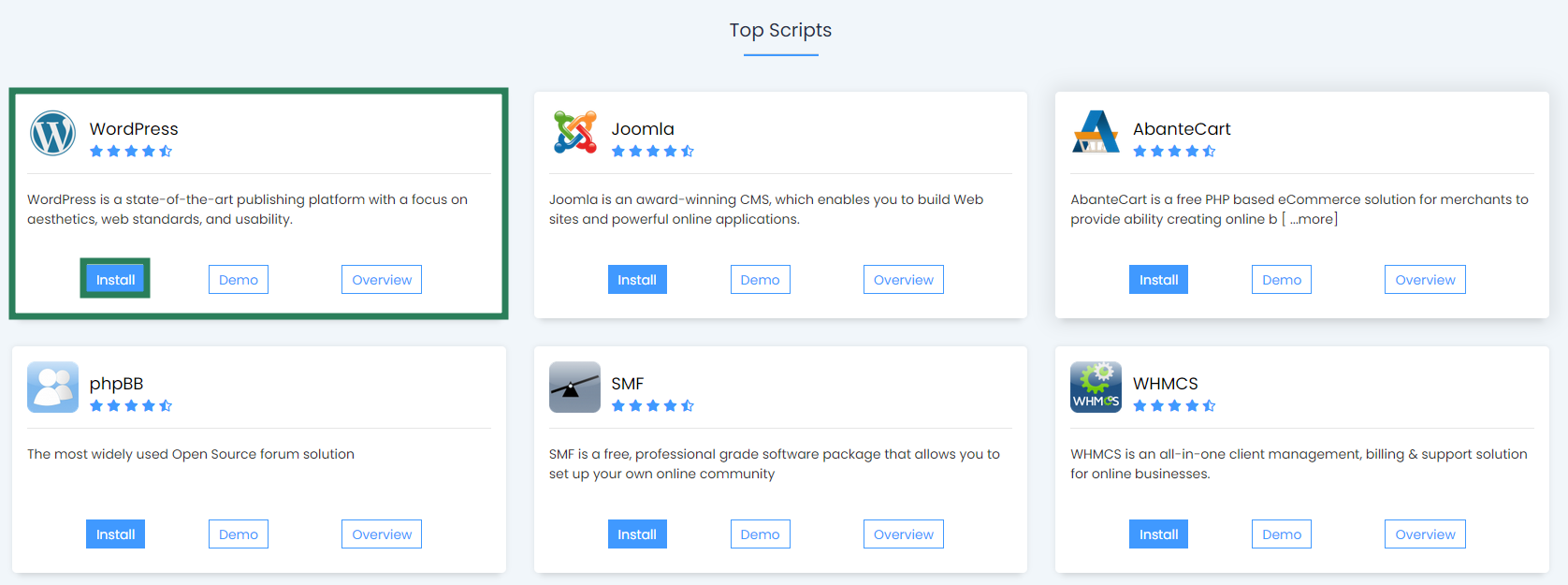
3. On the homepage, click Install under the WordPress icon:
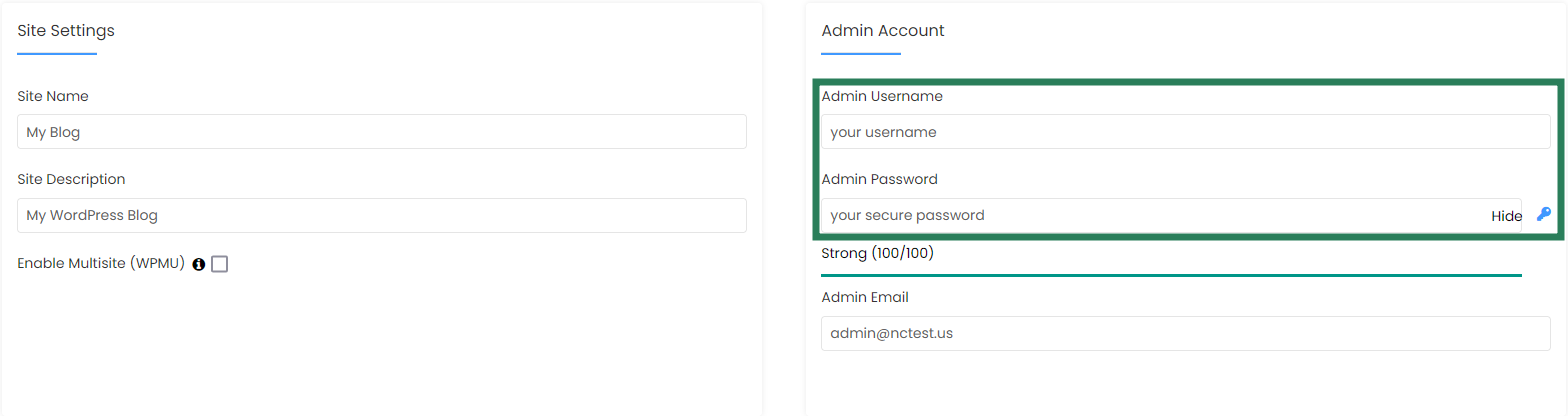
4. On the next page you will need to fill out the details of your WordPress installation.
Make sure you set up secure and hard-to guess details in the Admin Account section:

5. When ready, scroll down and hit Install.
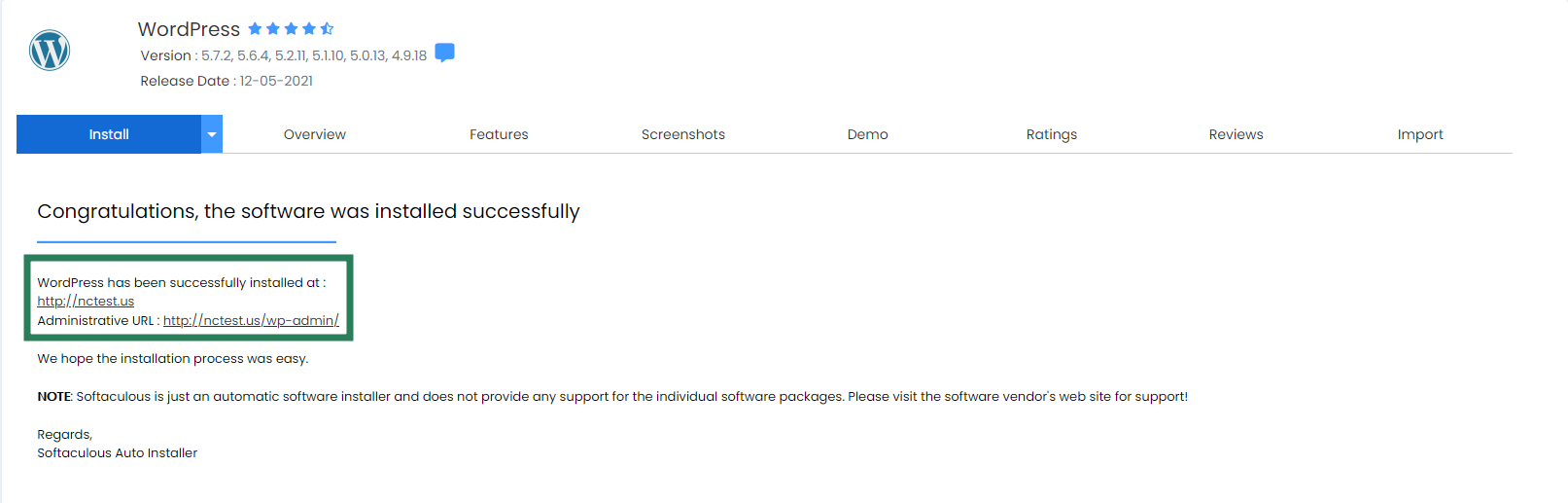
In a few moments you will see the message that WordPress has been successfully installed:
You can now go ahead and log into your WordPress Dashboard to start working on your website.
For your convenience we have created a category dedicated to the most frequent WordPress-related questions – cPanel: WordPress
That’s it!