How to log in to WordPress using Softaculous

Softaculous allows you to install and manage WordPress in a few clicks. It is not just easy to install programs by using it, it is a big time saver because it automates many tasks related to software installation. In this guide, we will show you how to log in to a website’s dashboard using Softaculous.

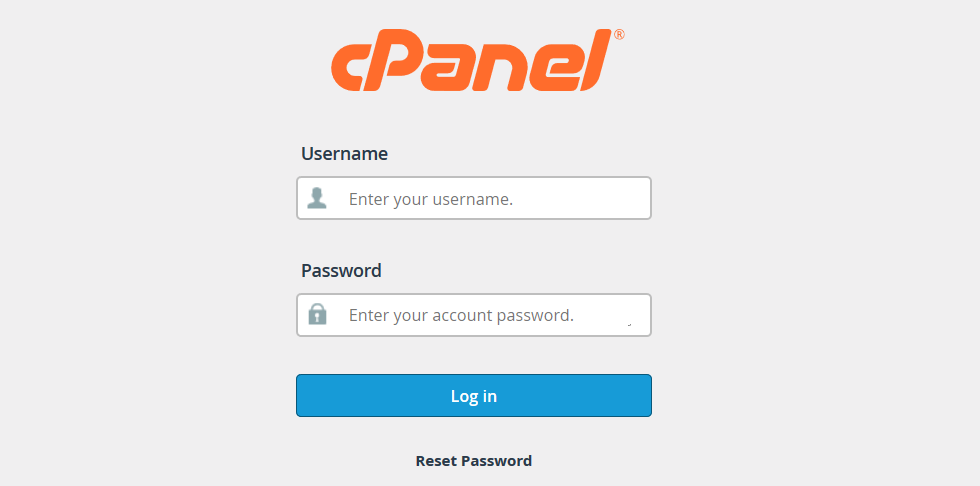
1. Log in to your cPanel account: 
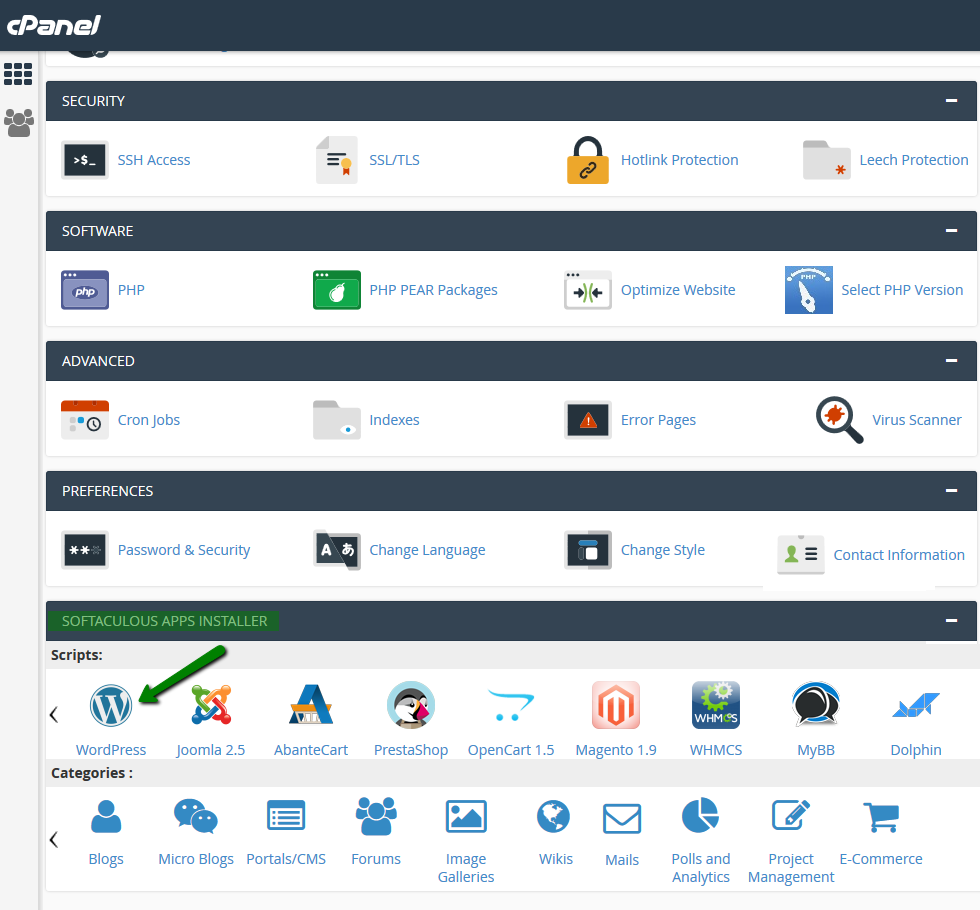
2. Scroll to the bottom of the page, find ‘Softaculous App Installer’ and click the WordPress icon:
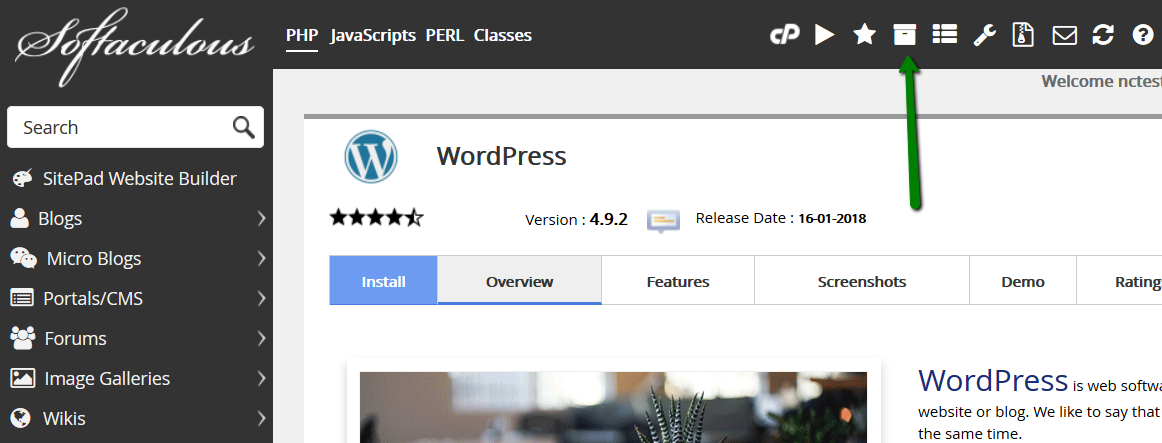
3. Navigate to All Installations menu:
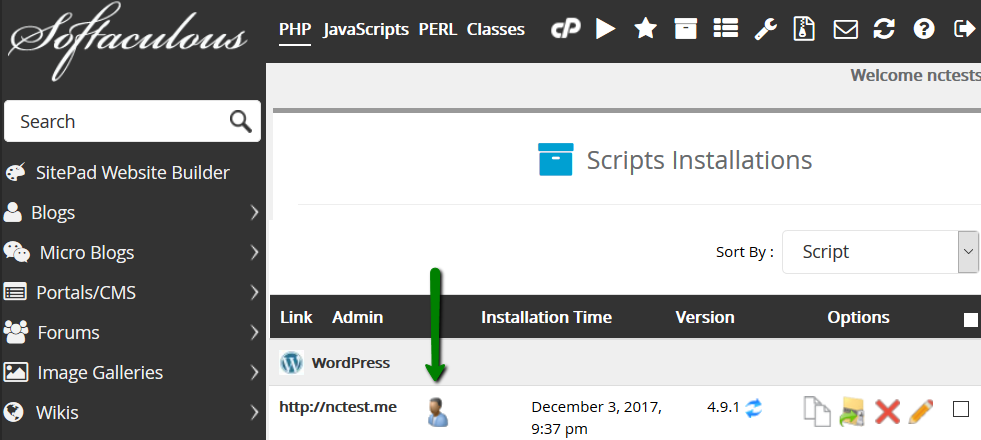
4. When working with a CMS, you’ll generally need to log in to it as an Administrator. In order to proceed, click the Admin icon:
You are in. Feel free to manage your website!

  • 0 Els usuaris han Trobat Això Útil
Ha estat útil la resposta?

Articles Relacionats

How to Create a WordPress Staging Site

WordPress, although the most popular blogging software with thousands of users, somehow fails to...

How to fix WordPress blank page (white screen)

The white screen (blank page) is one of the most common errors that occur in WordPress. In this...

How to deal with the hacked WordPress website?

In this article, we’ll cover the most common cases of WordPress hacks, how to spot them, and the...

How to change upload filesize limit in WordPress multisite

The upload file size limit controls the size of a single file that can be uploaded via any means...

How to add a favicon to a WordPress website

Favicon (also called site icon) is a small image that appears next to your website title in the...