How to work with Ruby App
The Setup Ruby App feature allows you to deploy Ruby applications on your cPanel while running Apache web server.
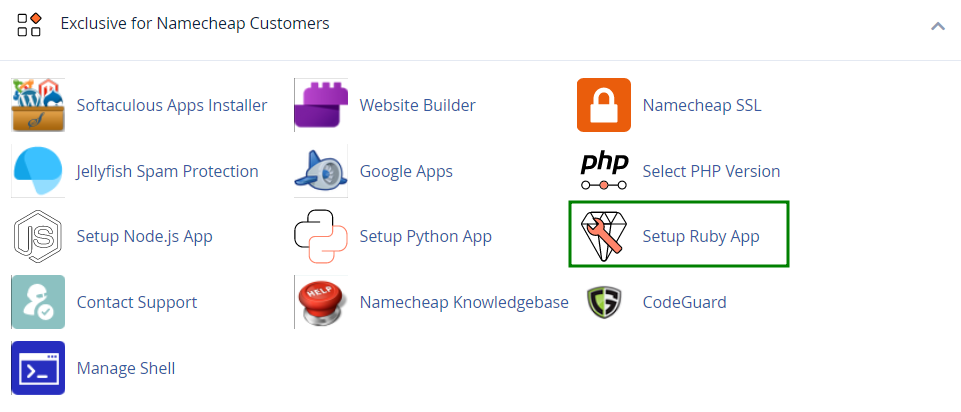
You can check the functionality by visiting the cPanel >> Setup Ruby App.
On the next page, you will be able to Setup new application and check Existing applications.
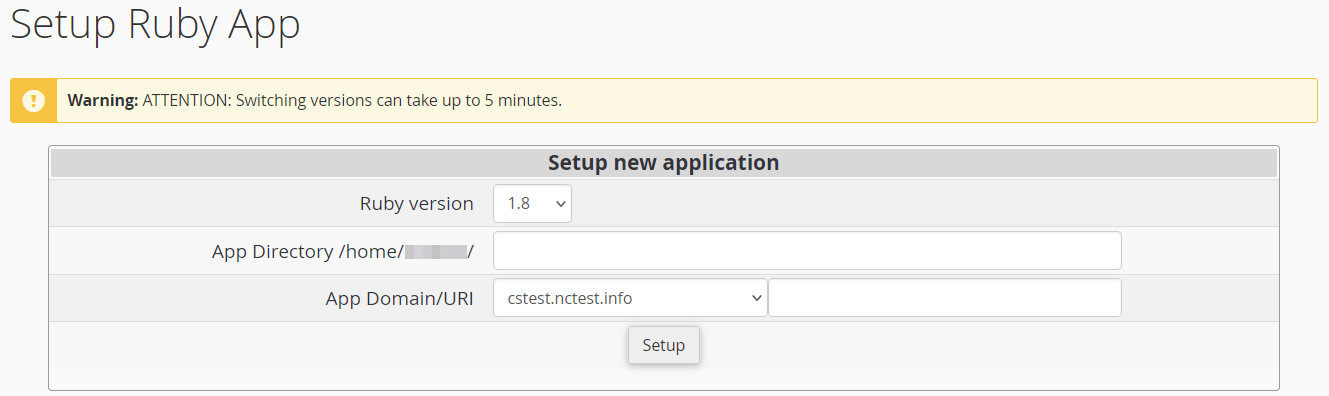
If you wish to create a new Ruby application, it is required to specify the Ruby version, fill in the App Directory, and the App URI. Then click Setup.
As soon as the environment is set, you can upload your application files to the application root directory.
When the application is created, you will be able to see the next page.
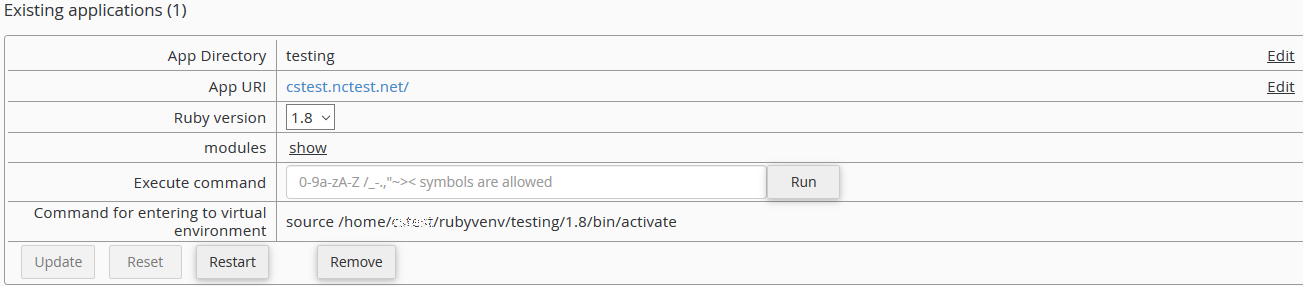
It is possible to change the App Directory and the App URI using the Edit option near the corresponding field. After these changes are made, save them.

The next drop-down menu allows you to choose your preferred Ruby version.
PLEASE NOTE: This version switch can take up to 5 minutes.
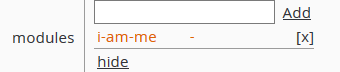
With the help of the modules field you can show, hide, add and delete different Ruby modules. When starting to type in the input field, appropriate hints will appear in the drop-down list. Choose the entry you prefer from the drop-down list and click Add.
If you click Delete, the corresponding module entry will disappear.
Also, you can execute simple commands from the web interface (e.g. you can install packages from specific repositories or control web applications by means of django-admin).

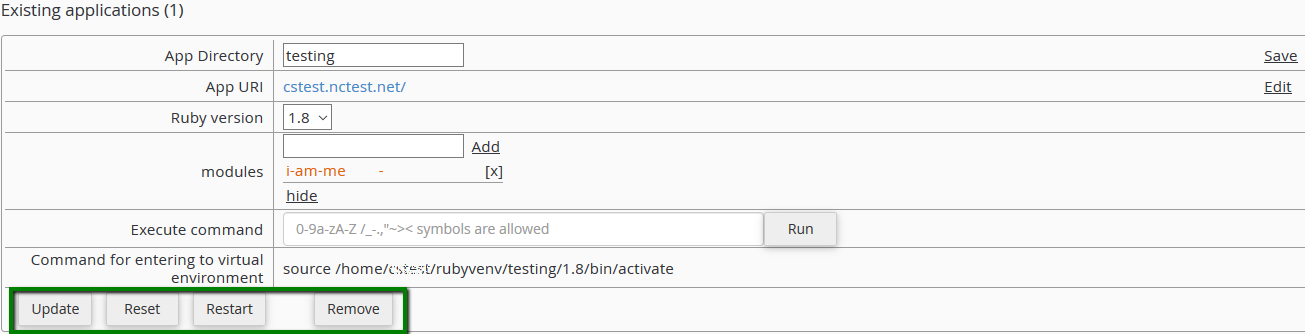
Remember, changes will not be applied to the application environment until the Update button is clicked. All changes can be reverted by clicking the Reset button.
If you wish to restart the application, click Restart.
To delete the application, click Remove. The application folder itself will remain unmoved.